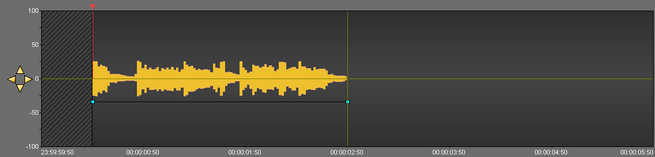
To modify the global level of your sound :
•Click on the red horizontal line (separating your track in 2), a double arrow is displayed.
•Increase or decrease the sound level by moving the black line which appears.
•Release the mouse button.
|
<< Click to Display Table of Contents >> Navigation: META OCX > Snippet > Modifying the global level of the sound |
To modify the global level of your sound :
•Click on the red horizontal line (separating your track in 2), a double arrow is displayed.
•Increase or decrease the sound level by moving the black line which appears.
•Release the mouse button.